
About Messenger Launcher
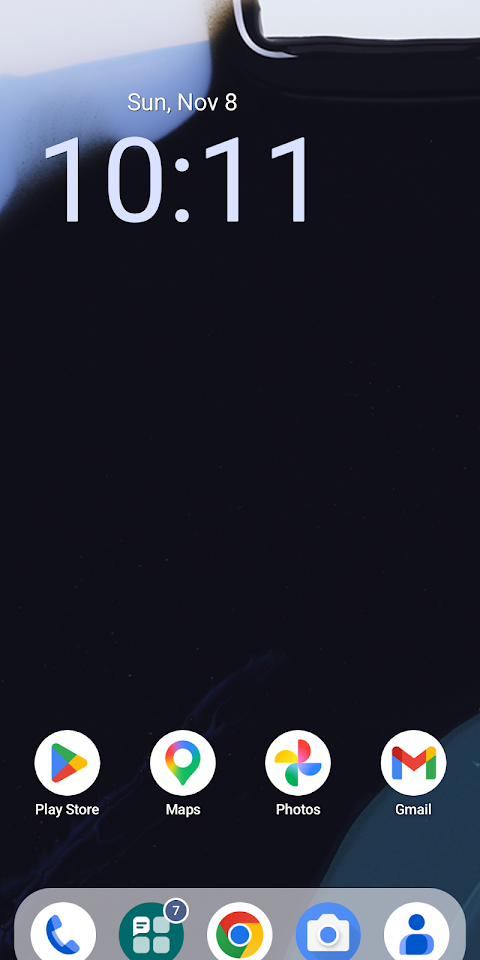
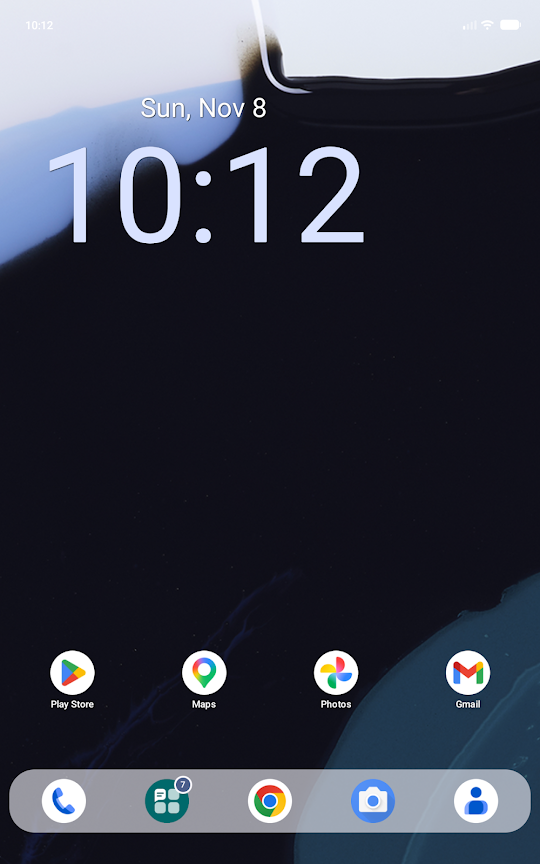
Messenger Launcher is a clean, fast home screen for Android with your text messages built in. Set it as your home app and everything you need is where you expect it: your apps, widgets and folders on the home screen, and your conversations one swipe away.
A HOME SCREEN THAT STAYS OUT OF YOUR WAY
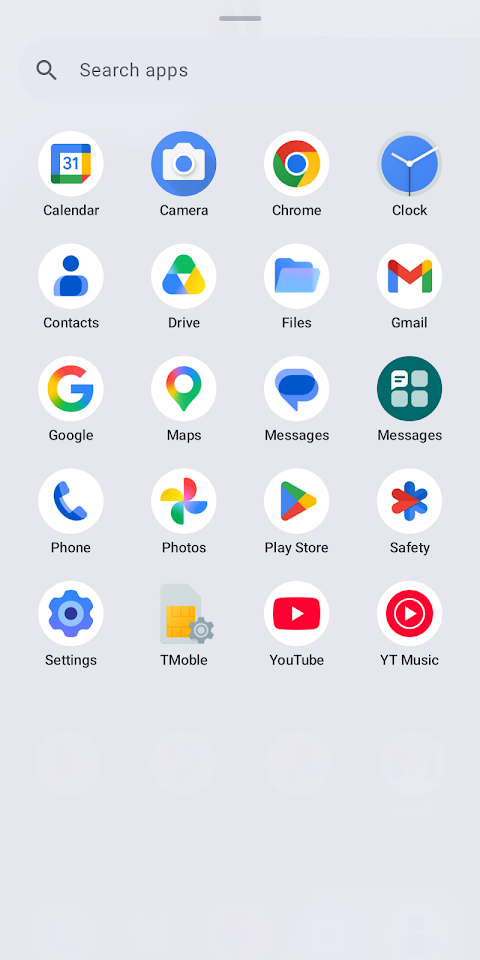
• Familiar app grid and dock: drag apps anywhere, make folders, add pages
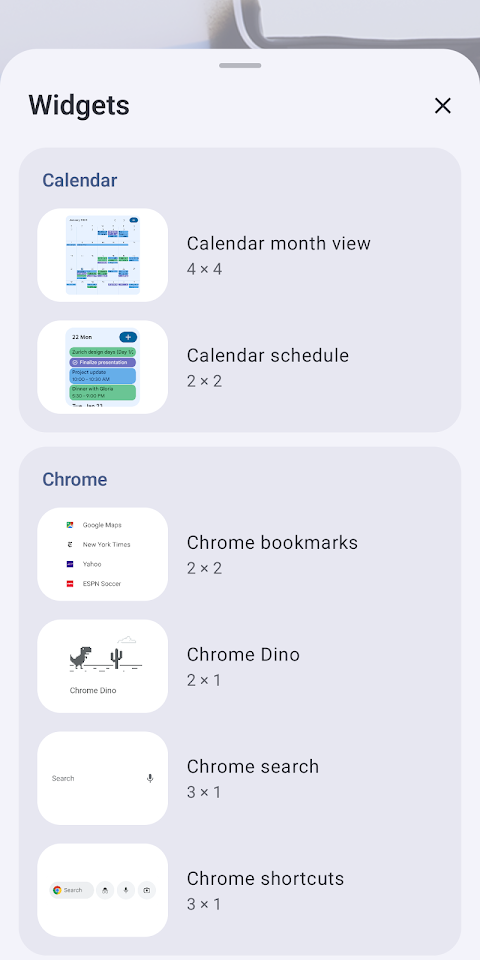
• Widgets: add, resize and configure your favourite widgets
• App drawer: swipe up for all your apps, with instant search
• Work profile apps shown with their badge
• Choose your grid (4×5, 5×5, 4×6), show or hide labels and the dock, lock your layout
• Follows your wallpaper and Material You colours, light and dark
YOUR MESSAGES, ONE SWIPE AWAY
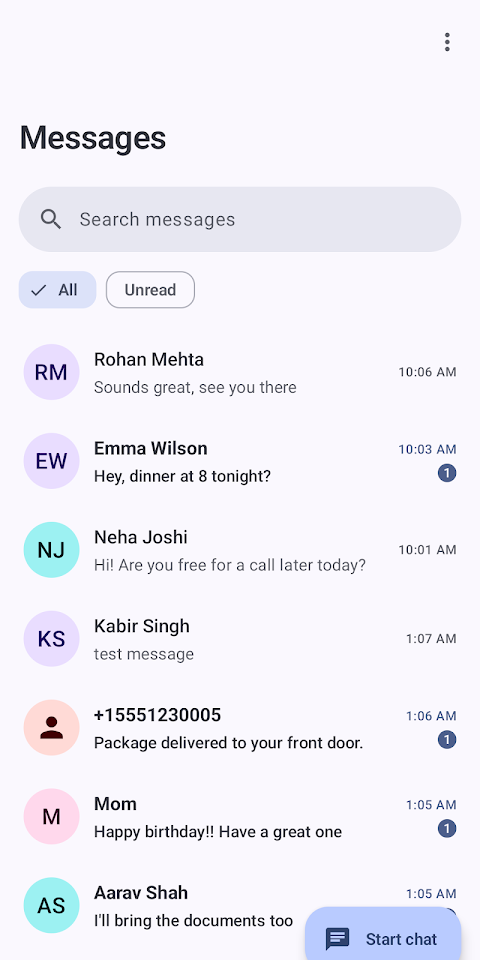
• Swipe right from the home screen to open your inbox, reply and swipe back
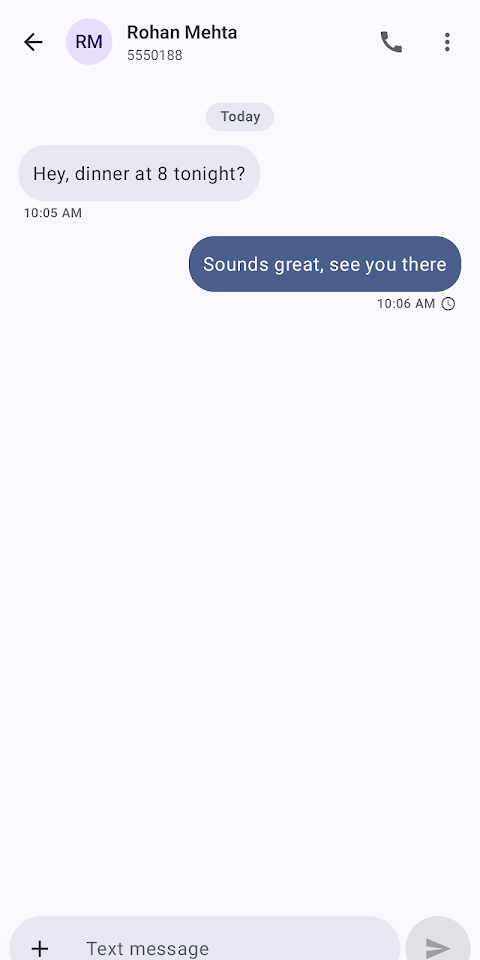
• A full SMS & MMS app: group chats, photos, videos and audio
• Unread count right on the Messages icon in your dock
• Pin, mute, archive and search conversations
• Schedule messages to send later
• Block numbers, keywords and unknown senders
• Copy one-time codes with a tap
• Quick reply from notifications
PRIVATE BY DESIGN
• Your messages, contacts and app list stay on your phone. We have no servers that read them
• Private conversations protected by your fingerprint, face or PIN
• App lock for the inbox
• Encrypted backups saved only where you choose
MADE FOR EVERYONE
• Full TalkBack support with actions for every gesture
• Large text and right-to-left languages supported
• Light and quick, built with modern Android
To use the messaging features, set Messenger Launcher as your default SMS app. To use the home screen, set it as your home app. You can switch back at any time in Android settings.
Privacy policy: https://longestvision.com/messenger-launcher/privacy-policy.html
More from Quill Studio
-

Arrow Order: Logic Puzzle
A calm logic puzzle: slide every arrow off the board in the right order. 500 levels and a daily puzzle.
-

Loot Pack Hero: Auto Battler
A fantasy auto-battler about packing loot. Build the perfect backpack and let it fight.
-

Tile Bazaar: Triple Tile Match
A triple tile match puzzle set in a busy street market, with 200+ levels and festival events.
-
Woolly Quilt: Yarn Sort Puzzle
A cozy yarn sort puzzle. Every level you solve sews a new patch into your quilt.